How to Send a Fax From Yahoo Mail — Free Guide
By the Attajer Editorial Team • 7 min read • Last updated June 3, 2026
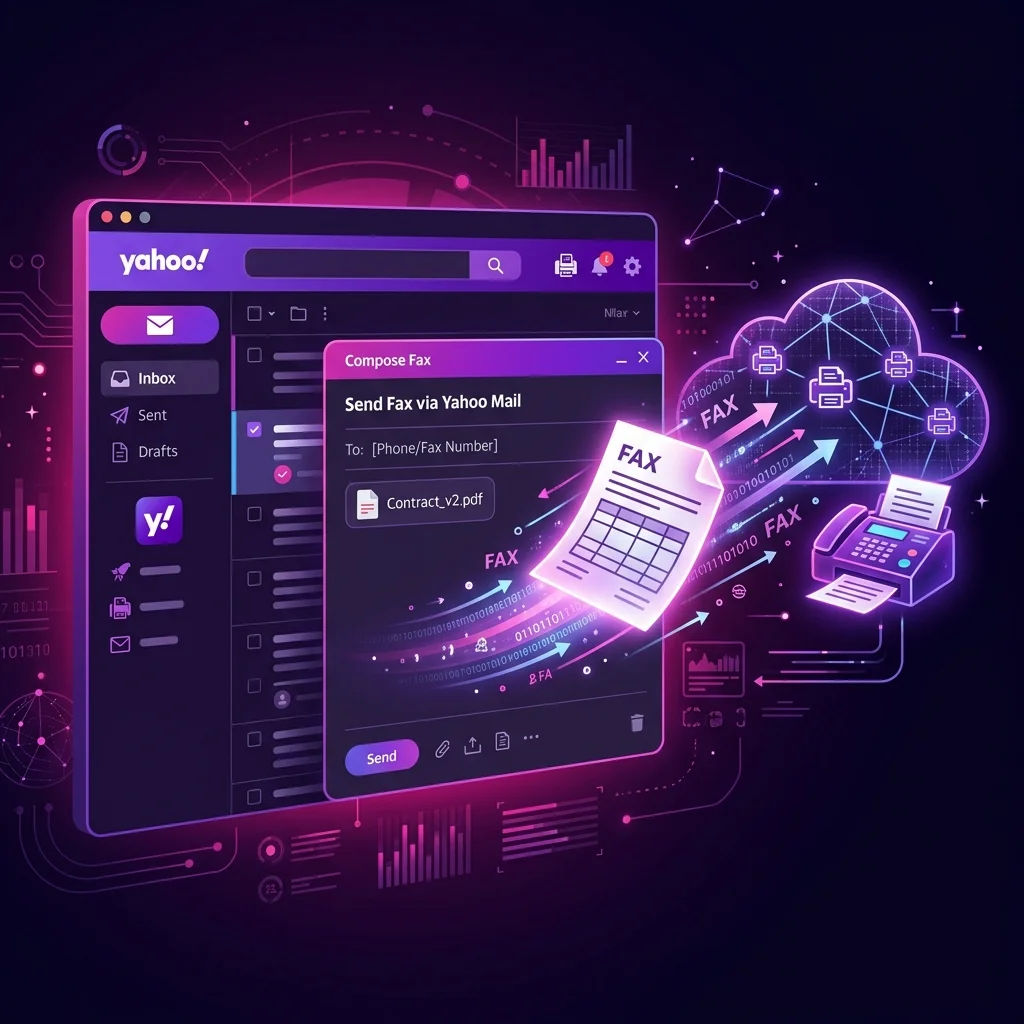
Quick answer: Yes, you can send a fax from Yahoo Mail using an email-to-fax service. Sign up for Fax.plus with your Yahoo email, then compose an email to [fax-number]@fax.plus, attach your PDF, and click Send. Your fax is delivered in minutes — 10 free pages included, no fax machine needed.
Quick Answer
Yes, you can fax from Yahoo Mail by using an email-to-fax service like Fax.plus. Compose a new email, enter the fax number @fax.plus in the To field, attach your PDF, and hit Send. 10 free pages included — no fax machine needed.
Can You Fax From Yahoo Mail?
Yahoo Mail is one of the most popular free email platforms in the world, with over 225 million active users. However, unlike some enterprise email solutions, Yahoo Mail does not include a built-in fax feature. There’s no “Send Fax” button, no native add-on marketplace, and no direct integration with any fax provider.
The good news? You don’t need one. Thanks to email-to-fax technology, you can turn any Yahoo Mail account into a fax machine. An email-to-fax service like Fax.plus acts as a bridge between your Yahoo inbox and the recipient’s fax machine. You compose a regular email, the service converts it into a fax signal, and the document prints on the other end — all in under 60 seconds.
This works because fax transmission is essentially the same as sending an image over a phone line. Email-to-fax services handle the conversion, routing, and delivery confirmation automatically. You get a delivery receipt right back in your Yahoo inbox.
Method 1: Email-to-Fax From Yahoo Mail
This is the fastest, simplest method. You never leave your Yahoo inbox. Here’s how it works:
Create a Fax.plus Account
Visit fax.plus and sign up using your Yahoo email address. This is important — Fax.plus authenticates outgoing faxes based on your registered email. You’ll receive 10 free pages instantly, no credit card required.
Open Yahoo Mail & Compose
Log into Yahoo Mail (desktop or mobile app). Click Compose to create a new email. In the To field, type the recipient’s fax number followed by @fax.plus. Example: +12125551234@fax.plus. Always include the country code.
Attach Your Document
Click the paperclip icon and attach your document. PDF is recommended for best quality, but DOC, DOCX, XLS, PNG, JPG, and TIFF files also work. The subject line becomes the cover page title. The email body text appears on the cover page as a note.
Hit Send & Track Delivery
Click Send just like a regular email. Fax.plus converts your attachment into a fax signal and delivers it to the recipient’s machine. You’ll receive a delivery confirmation email in your Yahoo inbox within minutes. Check your Spam folder if you don’t see it.
Method 2: Fax.plus Web App + Yahoo Email
If you prefer a dedicated fax dashboard with advanced features like fax history, team management, and delivery tracking, use the Fax.plus web application:
Log Into Fax.plus
Go to fax.plus and sign in with your Yahoo email account. Navigate to the Send Fax tab.
Enter Fax Number & Upload
Type the recipient’s fax number with country code. Upload your PDF, Word, or image file. Optionally add a cover page with your custom note.
Send & Get Notified
Click Send. Fax.plus delivers the fax and sends a confirmation to your Yahoo inbox. View full delivery logs and fax history from the dashboard.
Method 3: Fax.plus Mobile App
Need to fax on the go? The Fax.plus app is available on both iOS and Android. Here’s how Yahoo Mail users can benefit:
Download the App
Install Fax.plus from the App Store (iPhone/iPad) or Google Play (Android). Sign in with your Yahoo email.
Scan or Upload
Use your phone’s camera to scan a physical document, or upload a file from your device, Dropbox, or Google Drive. The app auto-enhances scanned images for fax quality.
Send & Track
Enter the fax number, tap Send. Get push notifications for delivery status and receive confirmations in your Yahoo inbox.
Yahoo Mail Fax vs Gmail Fax vs Outlook Fax
Wondering how Yahoo Mail stacks up against other email providers for faxing? Here’s a side-by-side comparison:
| Feature | Yahoo Mail | Gmail | Outlook |
|---|---|---|---|
| Email-to-Fax | ✔ Via Fax.plus | ✔ Via Fax.plus | ✔ Via Fax.plus |
| Native Fax Add-on | ✘ Not available | ✔ Gmail add-on | ✔ Outlook add-in |
| Fax Delivery Receipt | ✔ Via email | ✔ Via email | ✔ Via email |
| Receive Faxes to Inbox | ✔ PDF attachment | ✔ PDF attachment | ✔ PDF attachment |
| Max Attachment Size | 25 MB | 25 MB | 20 MB |
| Free Pages | 10 pages | 10 pages | 10 pages |
| Mobile App Support | ✔ Yahoo Mail app | ✔ Gmail app | ✔ Outlook app |
| Enterprise/Team Faxing | ✘ No admin console | ✔ Workspace integration | ✔ Microsoft 365 |
Bottom line: Yahoo Mail works just as well as Gmail or Outlook for email-to-fax. The only difference is that Yahoo lacks a native add-on marketplace, so you rely on the email-to-fax method exclusively. For more on Gmail faxing, see our fax from Gmail guide. Outlook users can check our Outlook fax guide.
Fax.plus Features for Yahoo Users
Pros
- Works with Yahoo Mail — no add-ons or extensions needed
- 10 free fax pages, no credit card required
- 256-bit TLS encryption & HIPAA compliance
- Send & receive faxes from your Yahoo inbox
- Mobile apps for iOS and Android
- Supports PDF, DOC, DOCX, XLS, PNG, JPG, TIFF
- Fax to 180+ countries worldwide
- Dedicated fax numbers in 40+ countries
Cons
- Free plan limited to 10 outgoing pages only
- Receiving faxes requires a paid plan ($6.99/mo)
- No native Yahoo Mail add-on (email-to-fax only)
- Yahoo spam filter may catch delivery confirmations
Tips for Faxing From Yahoo Mail
- Register with your Yahoo email — Use your
@yahoo.comor@yahoo.caaddress when creating your Fax.plus account. The service authenticates outgoing faxes by matching the sender’s email address. - Always include the country code — Format the To field as
+1XXXXXXXXXX@fax.plusfor US/Canada numbers. International faxes follow the same pattern:+44XXXXXXXXXX@fax.plusfor the UK. - Use PDF format — While Fax.plus accepts multiple file types, PDFs produce the sharpest, most consistent fax output. Convert Word docs to PDF before attaching when possible.
- Check your Spam folder — Yahoo’s spam filter occasionally catches fax delivery confirmations. Mark Fax.plus emails as “Not Spam” to prevent this in the future.
- Save fax contacts — Add frequently-used fax numbers to your Yahoo contacts in the
+1XXXXXXXXXX@fax.plusformat. This makes future faxes as fast as sending a regular email. - Keep attachments under 20 MB — While Yahoo allows 25 MB attachments, keeping files under 20 MB ensures smoother processing by the fax gateway.
- Use the subject line wisely — The email subject becomes your fax cover page title. Write something professional like “Signed Contract — Smith Account”.
Common Issues & Solutions
| Issue | Cause | Solution |
|---|---|---|
| Fax not delivered | Unregistered Yahoo email | Ensure your Yahoo address matches the one in your Fax.plus account |
| No confirmation email | Yahoo spam filter | Check Spam/Junk folder & whitelist Fax.plus sender address |
| Fax quality is poor | Low-resolution image attachment | Use PDF format and ensure documents are at least 200 DPI |
| Recipient didn’t receive | Wrong fax number format | Include country code: +12125551234@fax.plus |
| Attachment rejected | Unsupported file type | Convert to PDF, DOC, DOCX, PNG, JPG, or TIFF before sending |
| Fax busy/failed | Recipient fax line is busy | Fax.plus auto-retries up to 3 times; resend after 15 minutes if needed |
Frequently Asked Questions
Yes. Sign up for Fax.plus with your Yahoo email address and you get 10 free fax pages — no credit card required. After the free allowance, paid plans start at $6.99 per month with unlimited pages and a dedicated fax number.
No. Yahoo Mail does not include a native fax button or add-on. However, you can use an email-to-fax service like Fax.plus to send faxes directly from your Yahoo inbox by composing a regular email to [faxnumber]@fax.plus.
With a paid Fax.plus plan you get a dedicated fax number. Configure email notifications in Fax.plus settings and incoming faxes are forwarded to your Yahoo inbox as PDF attachments automatically.
Yes. Fax.plus uses 256-bit TLS encryption for data in transit and AES-256 encryption for stored documents. The service is HIPAA, SOC 2, and ISO 27001 compliant — making it safe for healthcare, legal, and financial documents.
Absolutely. You can compose an email-to-fax message from the Yahoo Mail mobile app on iPhone or Android. Alternatively, download the Fax.plus app from the App Store or Google Play for a dedicated fax experience with tracking and history.
Fax.plus supports PDF, DOC, DOCX, XLS, XLSX, PNG, JPG, TIFF, and TXT attachments. PDF is recommended for the best fax quality and consistent formatting across fax machines.