How to Send a Fax via Email in 2026 — Complete Guide
By the Attajer Editorial Team · 12 min read · Last updated April 22, 2026
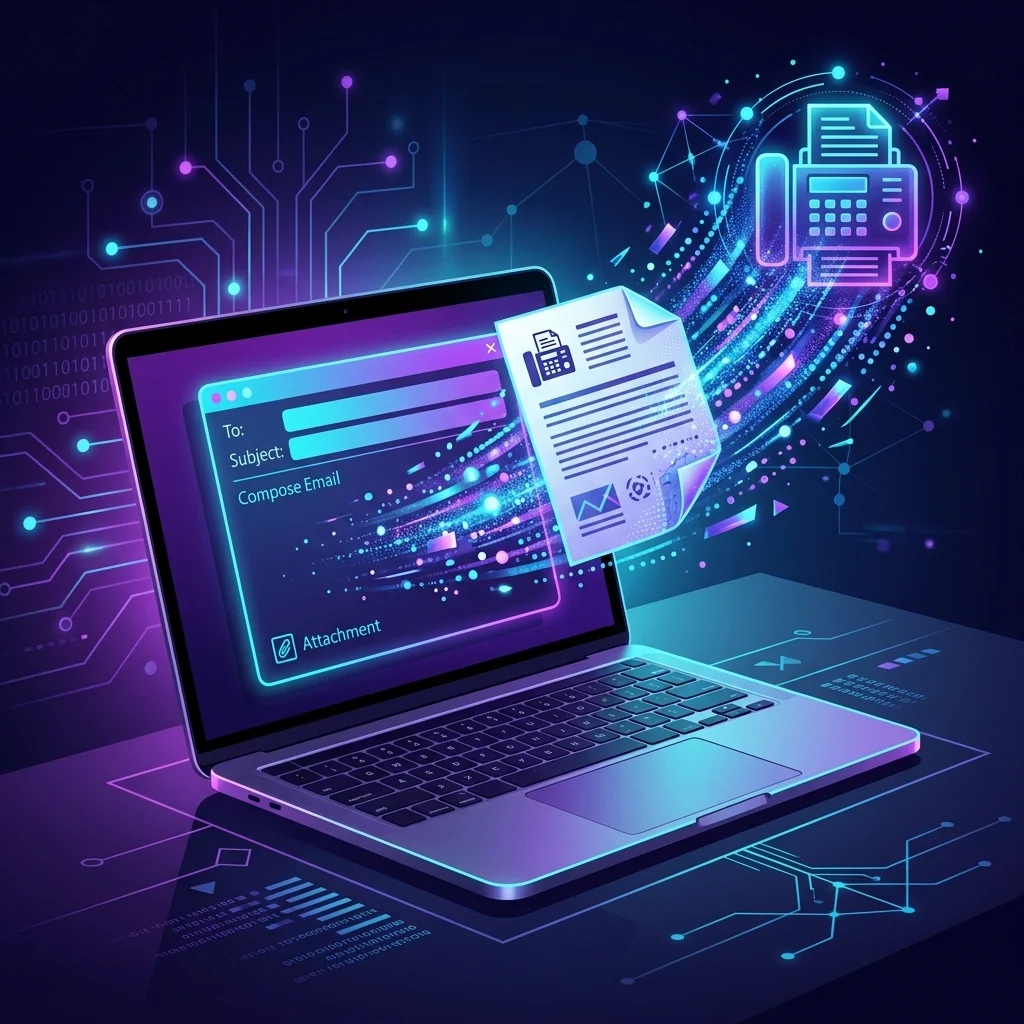
Sending a fax via email is the fastest way to fax a document in 2026 — no fax machine, no phone line, no special software. Whether you use Gmail, Outlook, Yahoo Mail, or any other email provider, this guide covers every method step by step.
Works with every email provider · 10 free pages · No credit card needed
What Is Email-to-Fax?
Email-to-fax is a technology that converts an email message into a fax transmission. Instead of printing a document and feeding it into a fax machine, you simply send an email with your document attached. The email-to-fax service receives it, converts it to a fax-compatible format, and transmits it over phone lines to the recipient's fax machine.
This means you can send a fax from any device that can send email — your laptop, phone, tablet, or even a smart watch.
How to Send a Fax via Email (3 Steps)
Create a Free Account
Sign up at Fax.plus (10 free pages, no credit card). Verify your email address.
Compose Your Email
In your email app, create a new message. In the To field, enter: [fax_number]@fax.plus. Attach your PDF or document.
Send & Get Confirmation
Hit Send. Within seconds, you'll receive a delivery confirmation email in your inbox. That's it!
Email-to-Fax by Provider
Gmail
Gmail is the most popular email client for faxing. You have three options:
- Email-to-fax: Send to
[fax_number]@fax.plusfrom Gmail - Gmail Add-on: Install the Fax.plus add-on from Google Workspace Marketplace for a native experience
- Web app: Open fax.plus in your browser and upload your file
For a full walkthrough, see our Gmail fax guide.
Outlook & Microsoft 365
Microsoft Outlook works with email-to-fax the same way as Gmail. Additionally, Fax.plus offers an Outlook add-in that integrates directly into the ribbon. See our complete Outlook fax guide.
Yahoo Mail
Yahoo Mail doesn't have native fax features, but email-to-fax works perfectly. Simply compose an email to [fax_number]@fax.plus from your Yahoo inbox and attach your document. See our Yahoo Mail fax guide.
Apple Mail (iCloud)
Apple Mail on Mac, iPhone, and iPad works identically to Gmail for email-to-fax. Compose a new email, address it to [fax_number]@fax.plus, attach your document (you can use the iPhone scanner to digitize paper documents first), and send. It also works with iCloud.com webmail.
ProtonMail & Other Providers
Email-to-fax works with any email provider — ProtonMail, Zoho Mail, Thunderbird, AOL Mail, Fastmail, Tutanota, and even corporate Exchange/SMTP email systems. The only requirement is that you can compose and send an email with attachments.
Note for ProtonMail users: Your end-to-end encryption only applies between ProtonMail accounts. Emails sent to external addresses like @fax.plus are transmitted using standard TLS encryption, which is sufficient for fax delivery.
How to Receive Faxes by Email (Fax-to-Email)
Email-to-fax also works in reverse — you can receive incoming faxes directly in your email inbox. Here's how:
- Get a fax number — Sign up for a Fax.plus paid plan ($6.99/mo). Choose a local or toll-free number from 40+ countries.
- Configure email delivery — In your Fax.plus settings, enable email notifications. Select which email address should receive incoming faxes.
- Receive faxes as PDFs — When someone sends a fax to your number, it's automatically converted to PDF and delivered to your inbox. Works with Gmail, Outlook, Yahoo, and any other email client.
All received faxes are also stored in your Fax.plus cloud dashboard with full search, organization, and archival capabilities.
Email-to-Fax: Free vs Paid Options
Here's what you get with free and paid email-to-fax plans:
| Feature | Free Plan | Basic ($6.99/mo) | Premium ($12.99/mo) |
|---|---|---|---|
| Send faxes via email | ✓ | ✓ | ✓ |
| Free outgoing pages | 10 | 200/mo | 500/mo |
| Receive faxes | ✗ | ✓ | ✓ |
| Dedicated fax number | ✗ | ✓ (1 number) | ✓ (5 numbers) |
| HIPAA compliance | ✗ | ✓ | ✓ |
| Credit card required | No | Yes | Yes |
Email-to-Fax Service Comparison
| Service | Free Pages | Email-to-Fax | Price/mo | Our Rating |
|---|---|---|---|---|
| Fax.plus ⭐ | 10 | ✓ All providers | $6.99 | 9.6/10 |
| eFax | 0 | ✓ All providers | $18.99 | 7.5/10 |
| RingCentral Fax | 0 | ✓ All providers | $15.99 | 7.2/10 |
| FaxBurner | 5 | ✗ Via app only | $12.95 | 6.5/10 |
| MyFax | 0 | ✓ All providers | $12.00 | 6.2/10 |
*Pricing sourced from public data, March 2026. Visit each provider for current pricing.
Troubleshooting Email-to-Fax Problems
If your email fax doesn't go through, try these fixes:
- "Fax not delivered" error — Double-check the fax number format. Include the country code with a + prefix (e.g., +15551234567). Remove spaces, dashes, and parentheses.
- Busy signal / recipient unavailable — The receiving fax machine may be in use or turned off. Fax.plus automatically retries up to 3 times over 15 minutes.
- No confirmation email — Check your spam/junk folder. Add
noreply@fax.plusto your contacts to prevent future issues. - "Unauthorized sender" error — You must send from the email address registered with your Fax.plus account. Check your account settings.
- File too large — Most services limit attachments to 20MB. Compress large PDFs using an online tool before sending.
Tips for Sending Faxes via Email
- Use PDF format — PDFs preserve formatting perfectly. Convert Word docs to PDF before attaching.
- Include the country code — Use the full international format: +1 for US/Canada, +44 for UK, etc.
- Check your attachment size — Most services accept up to 20MB. Compress large files.
- Use the subject line for the cover page — Many services (including Fax.plus) use your email subject as the fax cover page title.
- Keep it black & white — Fax machines render in B&W. Use high-contrast documents for best quality.
Is Faxing via Email Secure?
Yes, when using a reputable service. Fax.plus offers:
- TLS 1.3 encryption for all email-to-fax transmissions
- HIPAA compliance — critical for healthcare providers
- SOC 2 Type II certification — enterprise-grade security
- ISO 27001 — international information security standard
However, standard email (SMTP) is not end-to-end encrypted. If you're sending highly sensitive documents like medical records, consider using the Fax.plus web app or mobile app with direct TLS encryption.
Frequently Asked Questions
Yes. Fax.plus offers 10 free fax pages via email-to-fax. No credit card required. After the free pages, paid plans start at $6.99/month.
Yes. With a Fax.plus paid plan, you get a dedicated fax number. Incoming faxes are automatically forwarded to your email as PDF attachments.
Most services accept PDF, Word (.doc/.docx), Excel (.xls/.xlsx), images (JPG, PNG, TIFF), and plain text. Fax.plus supports 20+ file formats.
Typically 1–3 minutes. The fax is queued within seconds of sending your email. Delivery time depends on the recipient's fax machine speed and phone line quality.
Yes. Fax.plus supports faxing to 180+ countries. Include the full international number with country code (e.g., +44 for UK, +33 for France).